Product update
Ticket shops everyone can use
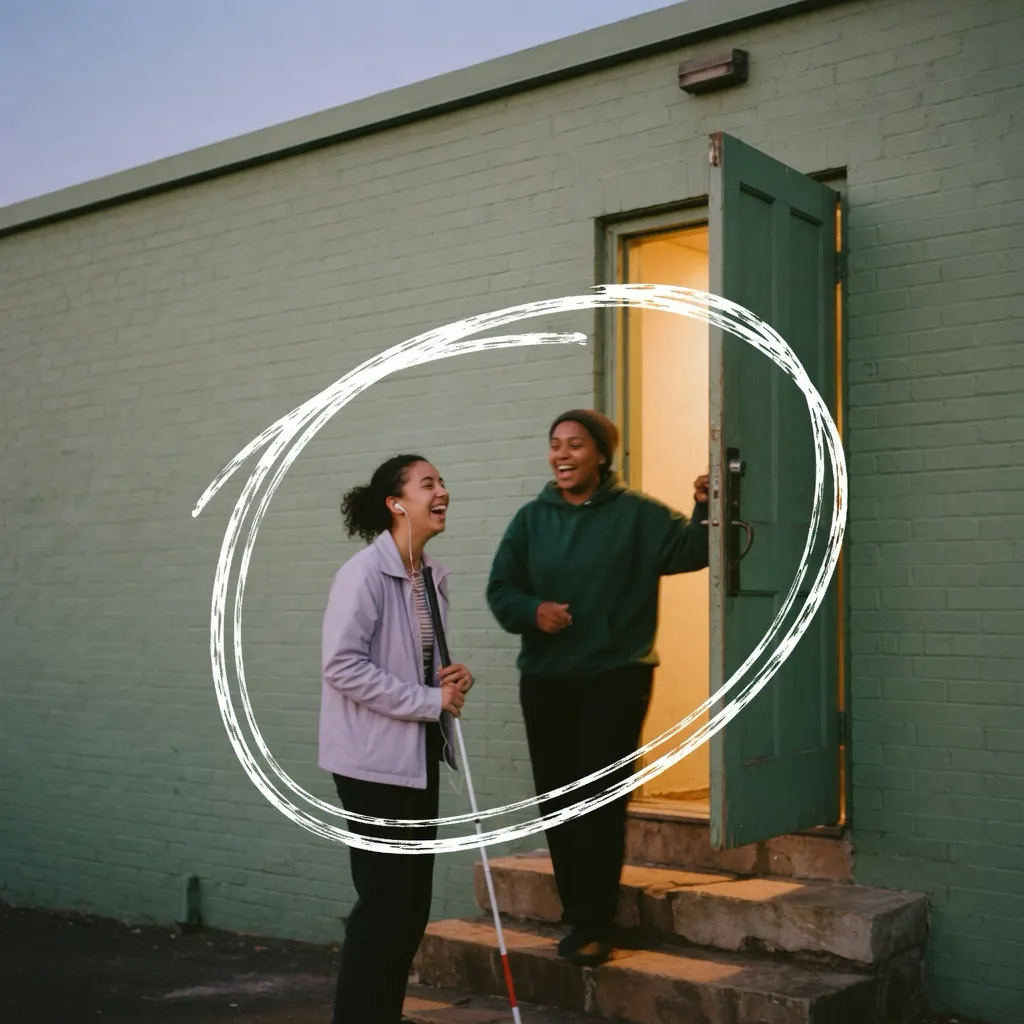
Buying a ticket shouldn’t depend on whether you can see a seating plan, hold a mouse or read grey text on a pale background. Almost eight million people in Germany live with a severe disability, and many more can’t see well, use only a keyboard or zoom their screen far in. Since 28 June 2025, the Accessibility Strengthening Act (BFSG), which implements the European Accessibility Act, also covers online shops for consumers, ticket shops included. Whether it applies to you depends on the size of your business. Your buyers benefit either way.
We went through every step of buying a ticket in a Usetix shop, from the event page to the ticket at the door, against the Web Content Accessibility Guidelines (WCAG), and fixed what got in the way.
What your buyers get, without you doing anything
- Finding their way: Every page has its own title. After moving to another page, the focus goes to its heading, so a screen reader says where the buyer has landed. Changes in the cart are announced with the new total.
- Checkout: The pay button always works. A missing answer is pointed out beside its field, and if the shop turns an order back, the page starts with a list of what to fix, linked to the fields. Choosing tickets and checking out even work without JavaScript.
- Seating plans: The plan is a single tab stop. The arrow keys move from seat to seat, and every seat says its row, number and price class, and whether it’s a wheelchair, companion or restricted-view place. Beside the plan, the seat in focus or under the pointer is written out in words. “Free seats as a list” offers every free seat as a checkbox, grouped by row, and “Find the best available seats” skips the plan altogether. Wheelchair spaces are booked together with a companion seat.
- Time: A minute before held seats run out, the shop says so and offers “More time”: ten more minutes, up to ten times. The payment page gets 30 minutes, and if they run out, “Try again” brings the buyer back to the checkout with the same tickets and, while they are still free, the same seats.
- Seeing: Text on your shop color automatically turns black or white, the focus outline stands out on any color, zooming is never blocked, and the shop stays usable in Windows contrast themes. If someone has turned on reduced motion, the shop leaves out animations.
- Tickets: The online ticket shows the ticket code as text next to the QR code. Tickets, vouchers and invoices as PDF are tagged for screen readers and pass the automated checks of the PDF/UA standard. Order emails also come as plain text.
What only you can add: descriptions of your images
A screen reader can’t see your poster. It reads out what you say the image shows. You’ll find the new Image descriptions card in three places:
- Event page: the poster, the gallery photos and pictures in the event description
- Ticket design: sponsor logos and the sponsor banner
- Settings → Storefront: your shop’s gallery and pictures in its about text
Write one sentence per image: what matters to someone choosing the event, such as “The band Neon Nights on stage in red light”. Keep names and dates that appear in the picture, and leave out “Image of”. Suggest has the AI write a first draft in your shop’s language. Check it before you save; the image goes to our AI provider only when you click. Images you don’t describe are skipped by screen readers, and gallery photos are then only numbered.
One more thing only you know: access at the venue. Wheelchair spaces, a step-free entrance, companions, assistance dogs. Say it in your event description, so buyers don’t have to ask.
What is still missing
We would rather say it plainly:
- On Stripe’s and PayPal’s own payment pages, the 30 minutes can’t be extended. “Try again” softens that, but it is still a time limit.
- Images you haven’t described stay without a description.
- We test contrast themes in a simulation, not yet on real Windows devices, and we haven’t yet tested with people who use assistive technology every day.
If you or your buyers come across a barrier, write to support@usetix.io.
Our accessibility statement
The accessibility statement describes in detail how the shops work, what’s still missing and how buyers report a barrier, including the market surveillance authority and the free conciliation procedure the BFSG provides for. We update it whenever something changes.
Also new: if you use the standard legal texts Usetix writes for you, your legal notice, privacy policy and terms now appear in your shop’s language, French, Spanish and Portuguese included.
Start with your next event: open its page and describe the poster. It takes a minute, and the first thing your buyers meet is then there for everyone.