Usetix
Automation
Work with the Usetix assistant and connect your own workflows through the API and command line.
Make room
for the good work.
Less busywork. More room for your event.
Ask your assistant
Use natural language to work with your event information.
Connect your tools
Use the documented API to connect Usetix to your workflows.
Work from your terminal
Use the CLI for repeatable operations and your own automation.
What's included.
AI Assistant
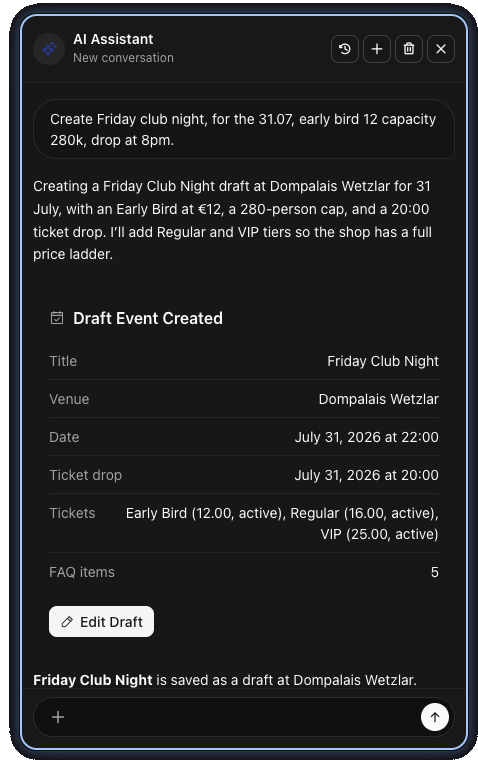
Create and publish events, manage tickets, seating, guests, vouchers, marketing, settings, and reports from a simple chat.
Hosted MCP Server
Connect ChatGPT, Claude, or another MCP client through OAuth-secured, account-scoped organizer tools.
Webhooks
Get real-time notifications for orders, refunds, and event changes. Build custom automations.
Integrations
Connect Zapier, Make, n8n, and your own systems through webhooks, the API, or MCP without giving away more access than needed.
CLI Client
Manage events, orders, tickets, and more directly from the terminal. Helpful tables for people, stable JSON for scripts and agents.
Read the CLI guidePublic & Admin API
Build custom storefronts and tools with our public API, or run your entire account programmatically with the admin API.
See it in action
An example from Usetix