Meta Ads
Promote an event on Instagram and Facebook straight from Usetix, with your own Meta ad account. Choose what the ad shows and what Meta may spend, look at the preview and start. In beta: write to us and we switch it on for your account.

Ads that
sell tickets.
Your event. In the right feed.
Ready in three steps
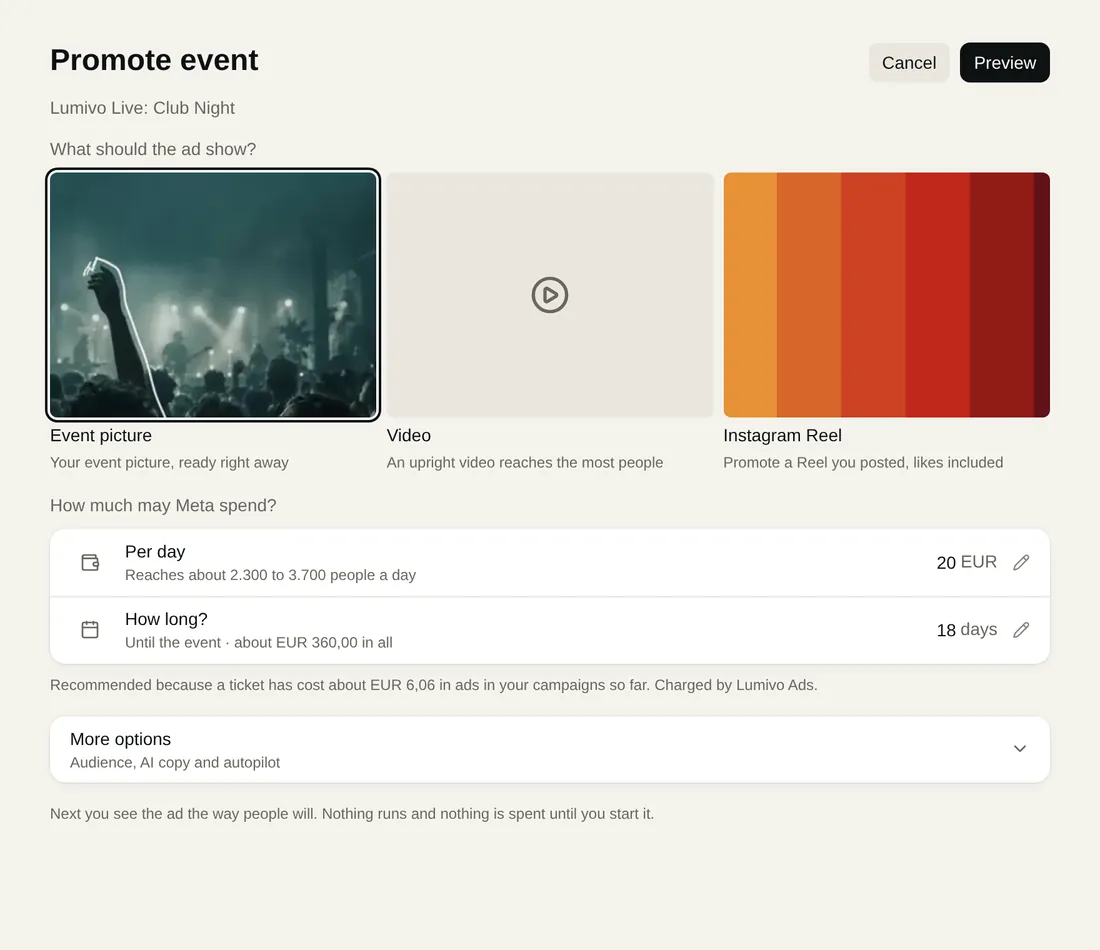
Choose a picture, a video or a Reel, set an amount a day and check the preview. Usetix writes the texts and picks the audience.
Your budget stays yours
Meta bills your own ad account. Nothing runs and nothing is spent before you start.
See what it sold
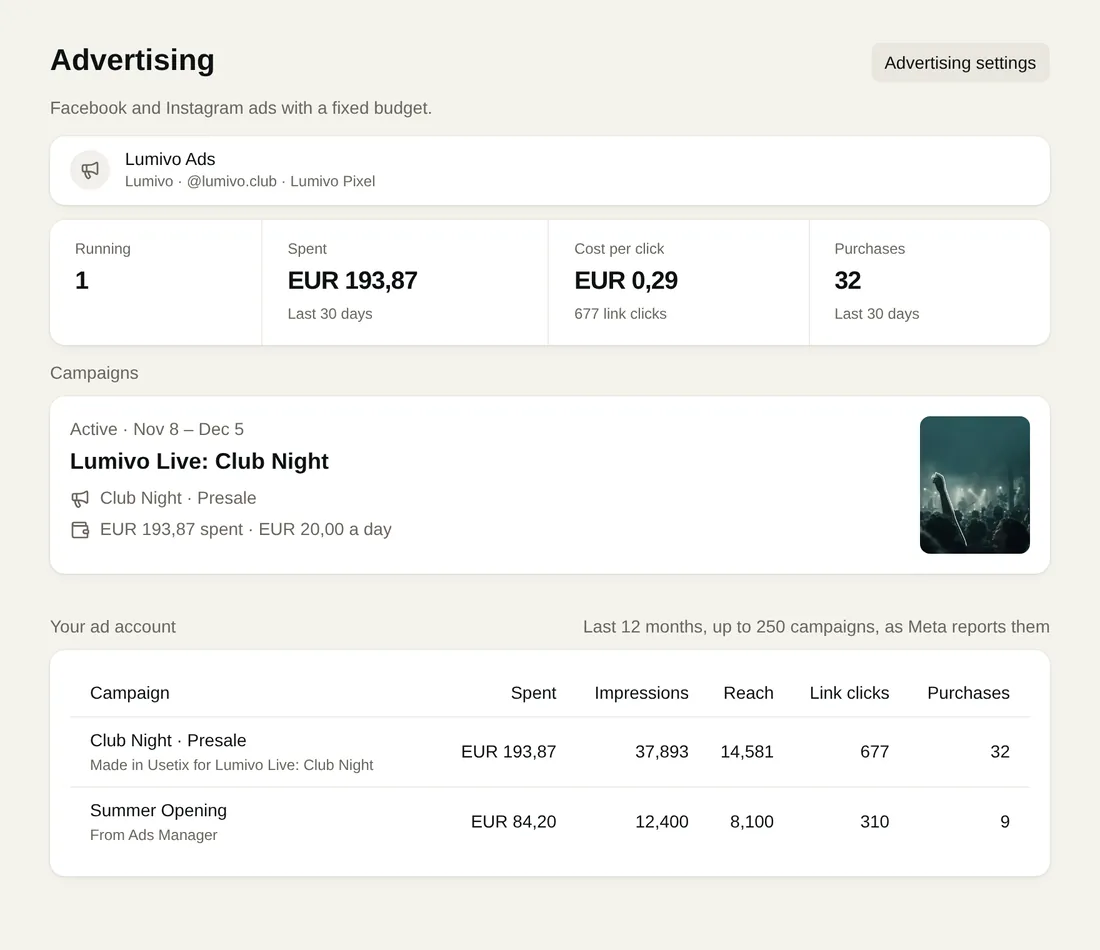
Tickets and cost per sale for every campaign, counted from your orders and by Meta.
See it in action
An example from Usetix
What's included.
Campaigns from the Event
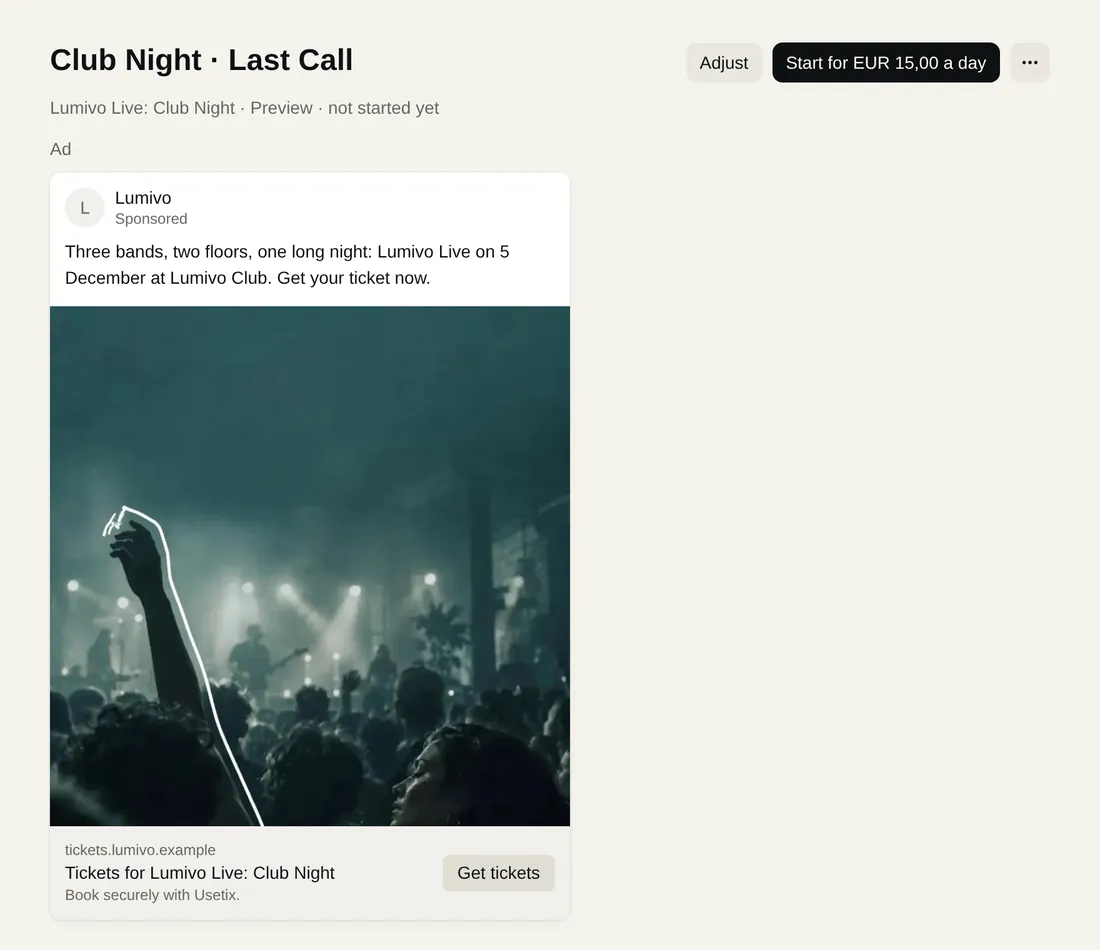
Start in the event's Advertising tab with your event picture, a video or one of your Instagram Reels, shown in feeds, Stories and Reels around your venue's city. The preview shows the ad the way people will see it.
Read the Meta ads guideA Budget You Approve
Usetix recommends an amount a day until the event. Only the account owner starts a campaign or raises its budget, and Meta bills your own ad account directly.
Daily Review & Autopilot
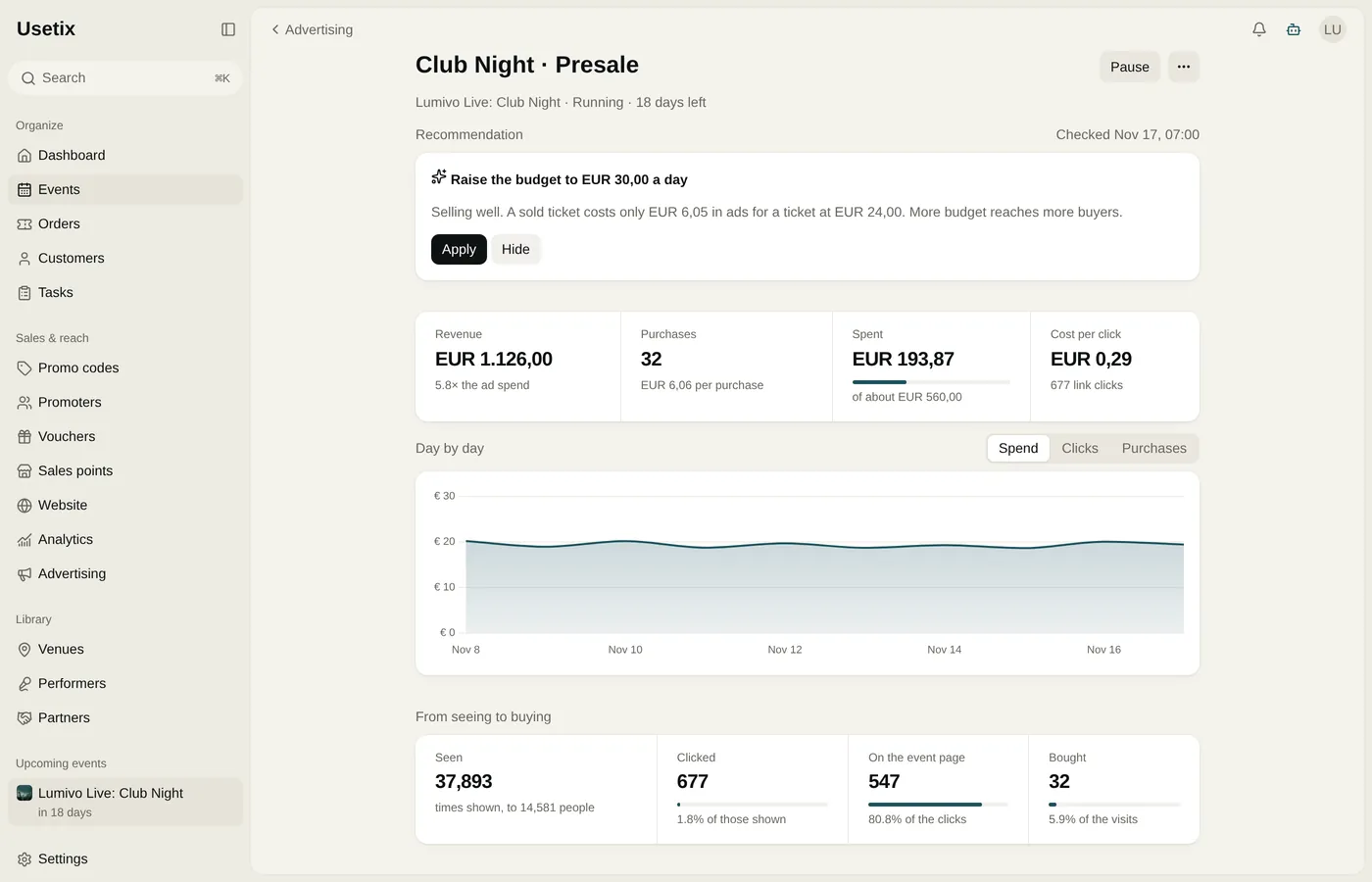
Every morning Usetix weighs spend against tickets sold and suggests keeping, lowering, pausing or raising the budget. The guarded autopilot lowers and pauses by itself and never spends more.
Results per Campaign
Spend, purchases, cost per purchase, clicks and reach, and the steps from seeing the ad to buying. Usetix shows the orders it traced to the ad beside Meta's figures.
Pixel & Conversions API
Shop visits, checkouts and purchases reach Meta through the Meta Pixel and the Conversions API, only after a visitor grants marketing consent.
Facebook & Instagram Posts
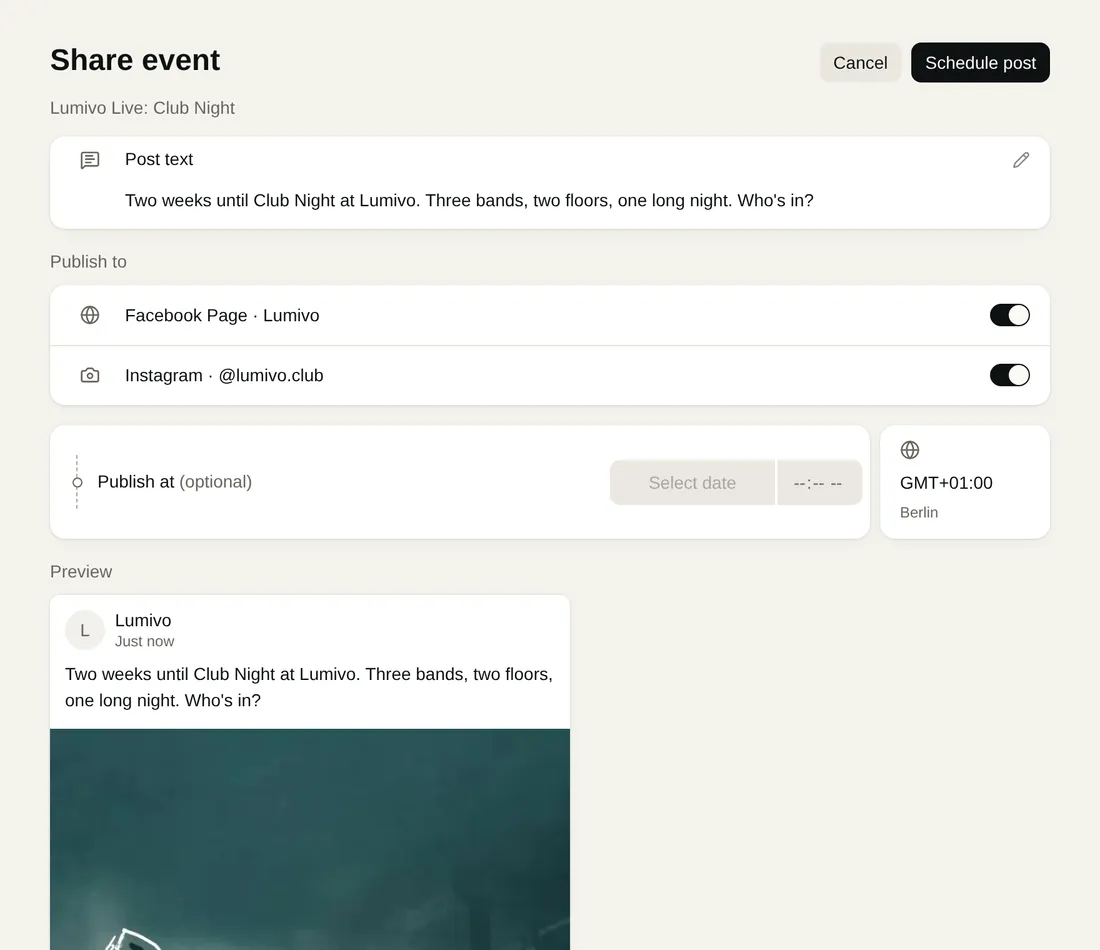
Publish a post about your event to your Facebook Page and Instagram, right away or at a time you pick. Change or delete the Facebook post later from Usetix.