Product update
Offer the better ticket right at checkout
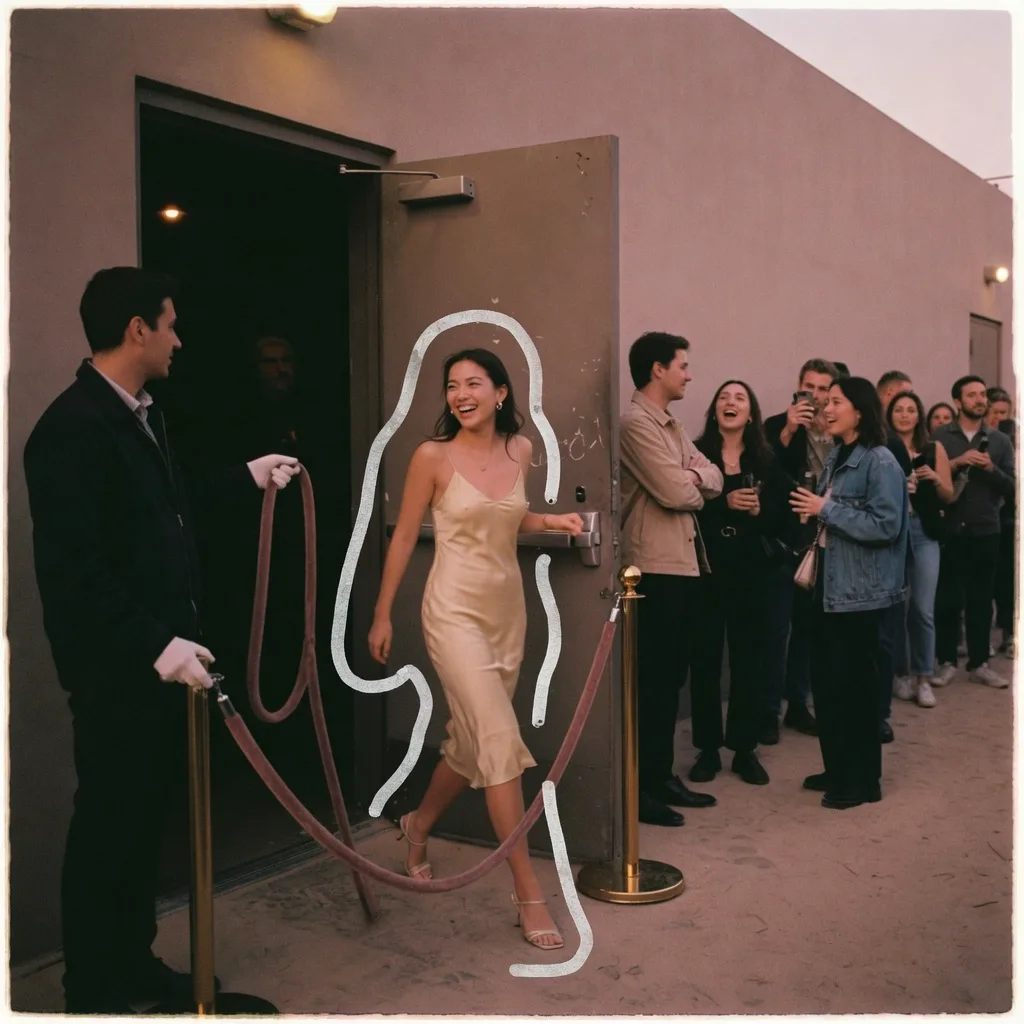
Plenty of guests would happily pay a few euros more to skip the queue or get a drink at the door. They just need to be asked at the right moment: when they are about to pay. Ticket upgrades ask them, right beside the ticket in their cart.
Two tickets you already sell
An upgrade pairs a cheaper ticket with a dearer one of the same event, for example Regular with Fastlane. Both stay ordinary tickets: the door, the PDF, the Wallet pass and every report see Fastlane like any other ticket. Usetix suggests the pairs for you: for each ticket, the next dearer one that is sold at the same time and gives more. One click under Tickets → Upgrades and it’s on.
One tap in the checkout
A buyer with two Regular tickets sees “+4,00 € Fastlane per person” right below them. The price is exactly what their total goes up by, checkout fees and promo codes included. One tap switches both tickets, a second link switches just one, and they can give it back on any visit. Nothing is ever preselected, and saying no takes no click at all.
Add one line on what the better ticket gives, such as “No queue, own entrance”, or let Usetix show the features the dearer ticket adds. When only a few places are left, the offer says so.
Four looks
Pick how the offer shows: a calm row with a switch, a single “+ Add Fastlane” link, a product card with one wide button, or both tickets side by side like fares. The upgrade’s page previews each one in your shop’s look.
See what it brings
Every upgrade counts how many carts saw it, how many switched, how many bought and what it added in revenue. Try two looks or a line with and without a benefit, and the page compares them for you. We count carts, never people.
What it costs
Ticket upgrades are off until you switch them on under Settings → Checkout. On the per-ticket plan, Usetix charges 0,30 € plus VAT for each ticket a guest switches to, taken from your Usetix Credit when the order is paid. Your guests never see or pay it: they pay only the difference. The checkout offers upgrades only while your credit covers the fee, and you can switch them off at any time.
Also through the assistant, the API and MCP
Tell the Usetix assistant “Offer Fastlane as an upgrade for Regular” and it sets it up. AI apps connected through MCP can do the same, the Usetix CLI has commands for it, and developers find everything in the API docs.