Product update
Promoter programs, set up once
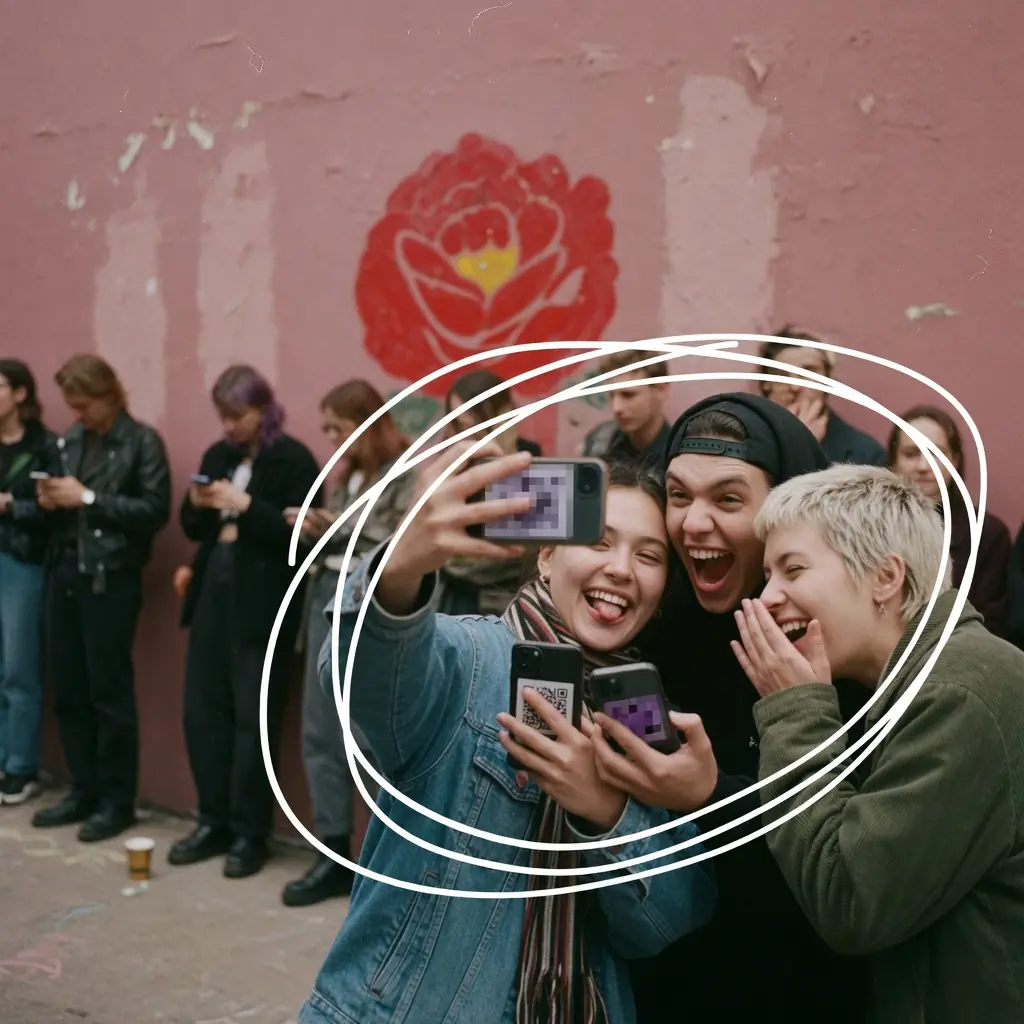
Working with ten promoters should not mean setting up the same discount ten times.
Usetix promoter programs keep those settings in one place. Choose the events, set the customer discount and add your promoters with their own codes. A program can also cover your entire shop, including events you add later.
Choose a code and invite
Under Promoters → Programs, create a program and invite someone by email. Enter their personal code in the same form. The code is reserved immediately and becomes usable when they accept. You can invite the next person straight away or close the form.
Already working with someone? Add them to the program using their existing membership. One person can join several programs, each with its own code. Set the discount to 0% if you want to track sales at the regular ticket price.
A dashboard made for sharing
Promoters get a personal dashboard with your shop name and logo. Their ticket sales and revenue come first. Below that are their codes and links, ready to copy or share from their phone. They see only their own results; buyer contacts and event management stay with your team.
Your team sees promoters ranked by tickets sold and can search by name, email or code. Click a person to open their details. You can deactivate a code, reactivate it later or remove the inactive assignment while keeping its sales history. Filter by event and purchase period; completed refunds are reflected in revenue.
A little friendly competition
Turn on a program’s optional leaderboard to give its promoters a view of the standings, with a podium for the top three. It shows names and ticket counts within that program. Other people’s revenue, codes and contact details stay private.
Programs, codes and sales can also be managed through the organizer assistant, MCP, the API and the CLI.